


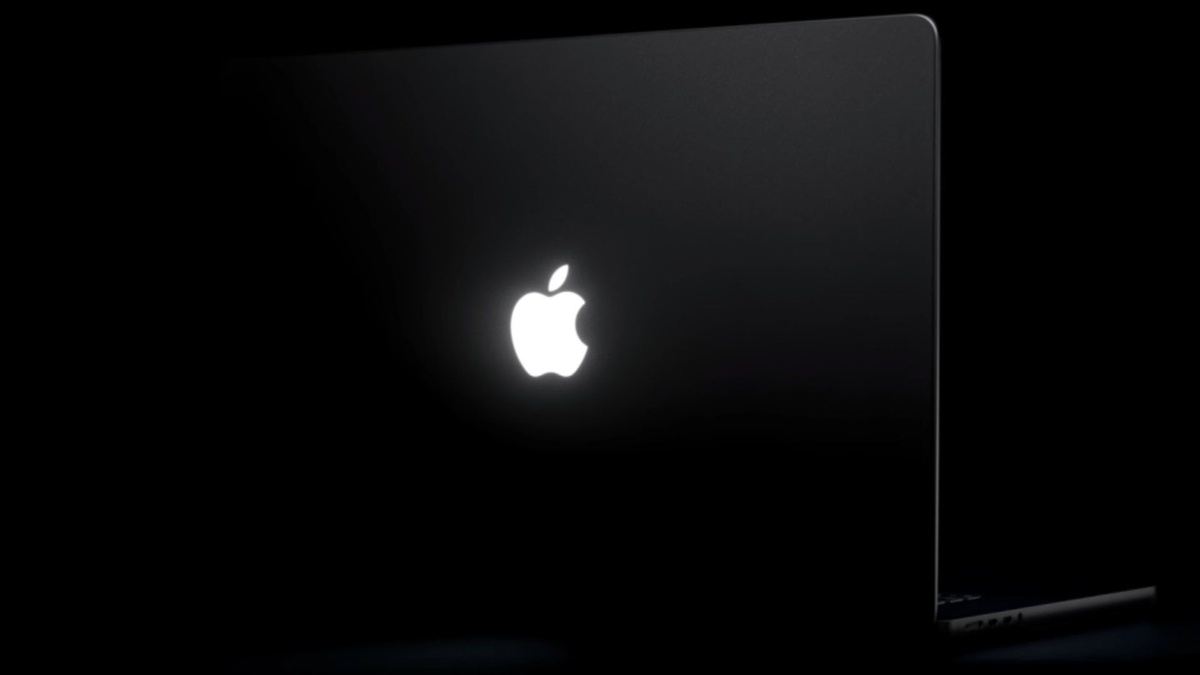
Designer Juan Buis has officially introduced the Backglow MacBook Pro App, an innovative utility that unlocks independent brightness customization, retro breathing animations, and audio reactivity for Apple’s newly resurrected illuminated lid logo.
According to reporting from MacRumors, this standalone application solves user frustration by decoupling rear logo lighting from display intensity, replacing cumbersome Terminal configuration scripts with an intuitive menu bar control interface.
| Feature or Capability | Default macOS Behavior | Backglow Free Edition | Backglow Pro ($9–$15 License) |
|---|---|---|---|
| Independent Logo Brightness Slider | Display Dependent (0–100% Locked) | Fully Independent Manual Slider | Fully Independent Manual Slider |
| Instant One-Click Kill Switch | Terminal Script Required | Instant Menu Bar Toggle | Instant Menu Bar Toggle |
| Sleep Indicator Breathing Rhythm | Static Sleep State / Inactive | Restored Sinusoidal Pulse Mode | Restored Sinusoidal Pulse Mode |
| Beat-Synced Audio Visualizer | Not Supported natively | Not Included in Base Version | Real-Time Audio Reactive Pulsing |
| AI Agent Workload Telemetry | Not Supported natively | Not Included in Base Version | Claude Code Active Pulse & Alert |
| Illumination Hardware Foundation | OLED-Isolated White LED Array | OLED-Isolated White LED Array | OLED-Isolated White LED Array |
Table of Contents
1. Dedicated Hardware Architecture: Independent White LED Engineering Inside the Lid
Apple famously phased out its iconic glowing Apple logo in 2015, replacing translucent illuminated cutouts with polished metal emblems across modern aluminum enclosures to accommodate ultra-thin chassis profiles.
With the debut of the newly released 14-inch and 16-inch laptops featuring PROLED XDR displays, Apple brought back the signature illuminated insignia through complete hardware re-engineering.
Because self-emissive OLED panels lack traditional CCFL or LED backlights that historically bleed light through the lid, Apple engineered an independent, ultra-flat light-emitting diode structure fitted directly behind the aluminum rear casing.
As highlighted by technology journalist John Gruber at Daring Fireball, Apple representatives confirmed that a dedicated white LED light source was developed specifically to make the logo glow without adding chassis thickness.
Hardware teardowns confirm that this dedicated module utilizes fixed white diodes rather than RGB elements, providing the clean monochrome glow that the Backglow MacBook Pro App manipulates through software drivers.
2. Independent Brightness Control: Decoupling the Backglow MacBook Pro App from Screen Lighting
By default, macOS links rear logo illumination directly to ambient lighting sensors and internal panel brightness settings, preventing owners from tailoring the aesthetic presentation of their machine.
Under stock firmware behavior, lowering screen brightness to conserve battery in dimly lit rooms automatically dims the lid insignia, while working in sunlight pushes illumination to maximum output.
The Backglow MacBook Pro App rectifies this rigid limitation by providing an independent brightness slider accessible directly from the macOS menu bar without requiring administrative permissions.
Furthermore, privacy-conscious creators can completely shut off the illuminated emblem with a single click, eliminating the need to execute obscure Terminal shell commands before entering boardrooms or lecture halls.
This level of granular thermal and power optimization complements architecture trends explored in our coverage of Apple M4 Mac mini redesign specs, granting users full mastery over hardware subsystem parameters.
3. Nostalgic Breathing Mode: Reviving Classic Apple Sleep Indicator Pulsing
Longtime Mac enthusiasts fondly recall the subtle pulsing sleep indicator light that characterized aluminum PowerBooks and early unibody MacBook designs throughout the late 2000s.
That physiological rhythm was engineered by Apple to match the resting respiratory rate of a sleeping adult human, imparting an organic, approachable personality to personal computing hardware.
Within its free baseline feature tier, the Backglow MacBook Pro App faithfully resurrects this beloved aesthetic via a dedicated Breathe mode operating seamlessly across modern display lids.
When activated, the software smoothly modulates the dedicated white LED array in a gentle sinusoidal curve, delivering vintage aesthetic appeal while your machine sits docked on a workspace.
The lightweight background daemon consumes negligible battery life and memory overhead, ensuring seamless integration alongside existing background utilities without impacting overall system responsiveness or thermal efficiency.
4. Audio Reactivity and AI Agent Telemetry: Live Status Pulses for Claude Code
Unlocking the premium Pro license unlocks reactive visual capabilities that transform the rear emblem into an active ambient status monitor during demanding professional developer workflows.
In Music mode, the utility monitors internal audio bus activity, analyzing frequency transients to rhythmically strobe and pulse the lid logo synchronously with streaming music or workstation audio playback.
More impressively, developer workflows benefit from an innovative Agents integration mode designed specifically for automated coding assistants such as Claude Code running in background terminal windows.
When active, the Backglow MacBook Pro App emits a steady rhythmic pulse while autonomous AI agents analyze repositories, switching to a rapid blinking alert whenever developer feedback or terminal confirmation is required.
This visual telemetry parallels hardware monitoring approaches discussed in our analysis of AMD Ryzen 7 9800X3D gaming CPU specs, where ambient cues inform users of computational activity without interrupting active focus.
5. Pricing Matrix and Tier Breakdown: Evaluating the Backglow MacBook Pro App Value
Software developer Juan Buis has structured the Backglow MacBook Pro App around an accessible distribution model available directly from the developer’s official Backglow website.
The core free release provides manual brightness tuning, the instant kill switch, and nostalgic breathing animations without injecting intrusive advertisements, recurring telemetry tracking, or background subscriptions.
To support ongoing software engineering and unlock audio reactivity alongside AI agent telemetry, customers can purchase a permanent lifetime Pro license for an introductory promotional fee of nine dollars.
Following the initial promotional window, standard licensing transitions to fifteen dollars, maintaining an affordable one-time purchase philosophy that avoids the unpopular recurring subscriptions dominating modern software ecosystems.
| Hardware Generation | Logo Illumination Mechanism | Brightness Control Flexibility | Dynamic Animation Support | Licensing & Setup Overhead |
|---|---|---|---|---|
| Vintage Unibody MacBooks (Pre-2015) | Passive LCD Backlight Bleed | Locked to Display Brightness | Passive Sleep Light Breathing | Native Hardware (Zero Software) |
| Modern Unibody Era (2016–2025) | Non-Illuminated Polished Metal | No Illumination Available | No Illumination Available | Non-Applicable |
| PROLED XDR MacBook Pro (Stock macOS) | Dedicated White LED Light Source | Ambient Sensor Dynamic Auto | Static On / Sleep Off Only | Included in macOS System Firmware |
| PROLED XDR MacBook Pro (Backglow) | Dedicated White LED Light Source | Independent 0–100% Slider & Kill Switch | Breathe, Music & Agent Alerts | Free Baseline / $9–$15 Lifetime Pro |
For creative professionals and programmers who appreciate tactile visual feedback, upgrading the Backglow MacBook Pro App represents an exceptional value proposition that enhances daily computing aesthetics.
Frequently Asked Questions
What is the Backglow MacBook Pro App?
The Backglow MacBook Pro App is a dedicated macOS utility created by Juan Buis that enables independent brightness tuning, pulsing animations, and audio visualization for the newly illuminated Apple lid logo.
Does the new MacBook Pro have an illuminated Apple logo?
Yes, Apple reintroduced the glowing Apple logo on the latest MacBook Pro models with PROLED XDR displays using a dedicated, ultra-thin white LED light source integrated directly into the lid enclosure.
Can the Backglow MacBook Pro App change the logo color?
No, Apple engineered the physical lid illumination using a monochrome white LED array, meaning the Backglow MacBook Pro App controls brightness intensity and pulse frequency rather than RGB color spectrums.
How does the AI agent notification mode function?
The Pro tier connects with command-line tools like Claude Code, gently pulsing the Apple logo while background autonomous coding tasks run and flashing briskly when human approval or intervention is requested.
How much does the Backglow MacBook Pro App cost?
The core Backglow MacBook Pro App is free for manual brightness controls and breathing modes, while advanced audio reactivity and agent telemetry require a one-time license between nine and fifteen dollars.
Final Verdict: An Essential Customization Utility for Modern MacBooks
The arrival of the Backglow MacBook Pro App illustrates how indie software developers can elevate subtle hardware innovations into delightful, functional daily experiences for discerning Apple enthusiasts.
By marrying retro computing nostalgia with futuristic AI agent telemetry, Juan Buis has transformed what could have been a simple aesthetic gimmick into a genuinely practical ambient notification utility.
Whether you desire independent brightness adjustment or real-time developer notifications, deploying the Backglow MacBook Pro App unleashes the full potential of Apple’s resurrected glowing logo.
